From model to fabrication, with fewer steps in between

Technology built to make every steel framing operation simpler and more productive.

Download Plugin
Explore the ecosystem
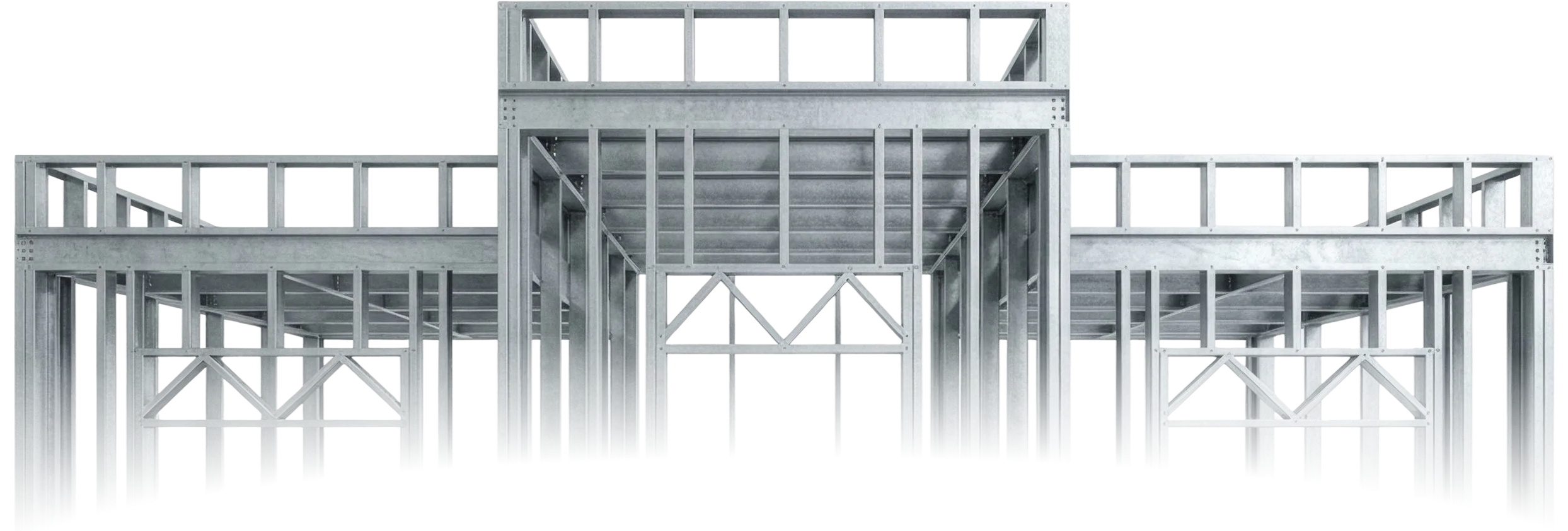
Steel framing structure of a building with wall panels, trusses and floor joists

Find your place in Sketchframer

Each solution creates value on its own. Together, they connect modelling, management, and fabrication in a complete ecosystem built to take every project further.
Plugin

Model in SketchUp
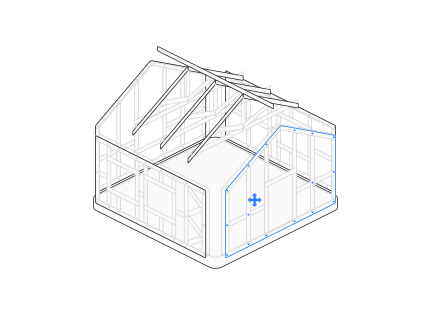
Light steel house frame drawn in fine isometric lines, one gable panel highlighted in blue
Platform

Manage and connect

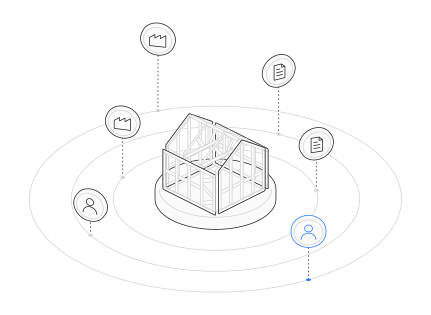
Steel-framed house on a round pad, ringed by circles with floating coins for members, plans and factories
MANU

Automate production

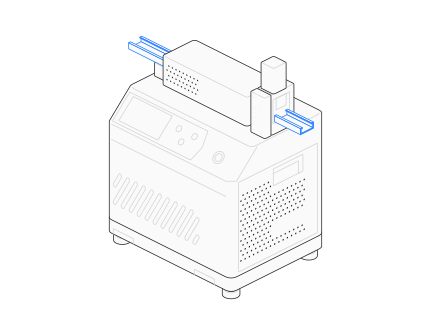
MANU roll-former drawn in fine isometric lines, its C profile running through the head and punch highlighted in blue

More than 3,000 professionals across 30+ countries already use Sketchframer

Arkitech logo
BOSJ logo
FRAMECAD logo
FrameMac logo
Frametec logo
HiTekNova logo
Huaheng logo
Pinnacle logo
XHH logo
Howick logo
Plugin
Platform
MANU

Technology built for the realities of the industry

Sketchframer is shaped by the daily work of modellers, engineers, and factories. That is why every tool responds to a specific operational need.
"We used to model in SketchUp and then redraw every panel in CAD. Now the drawings come out of the same model, so a late change doesn't mean starting over."
Lucía Fernández
Architect
"The NC files go straight to our machine. No more retyping cut lists by hand, and far fewer wrong profiles on the shop floor."
Rafael Moreira
Steel Framing Fabricator
"I can model a full house, openings and trusses included, in an afternoon. And since I only pay when a project goes to fabrication, quoting new clients is much easier."
Camila Souza
Steel Frame Designer

We have answers to your questions

Do I need to use the Plugin?

Projects begin in the Plugin. The Platform receives that information to generate production files, quotes, and connections.

Do I need a subscription?

No. Modelling and generating drawings are free; you only pay when you download cut lists or NC files from the Platform.

Which SketchUp versions are supported?

SketchUp 2021 and later versions.

Does it generate files for CNC machines?

Yes. NC files are generated and downloaded from the Platform for compatible equipment.

Can I connect a project with a factory?

Yes. The network brings projects and production capacity together.