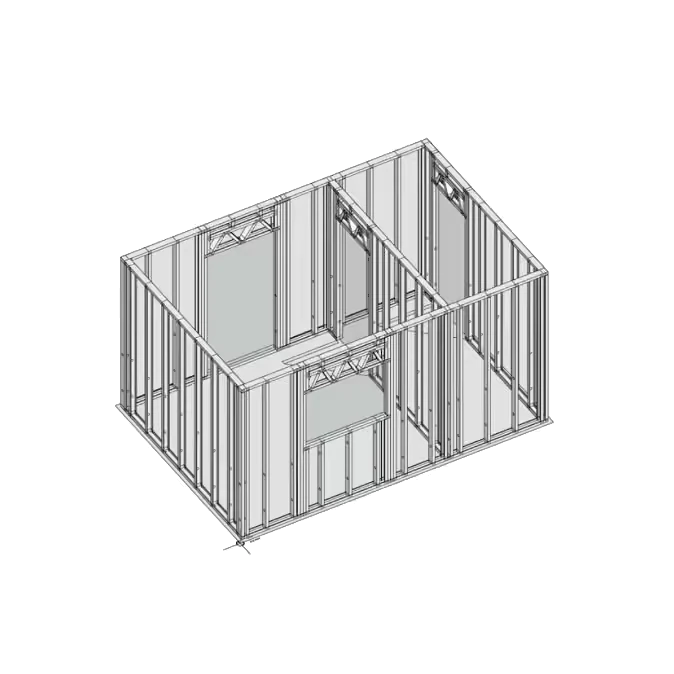
Technical features for build-ready models

Parametric tools designed for steel framing modelling, documentation, and fabrication preparation.

Complete panels with a single tool

Model an entire panel with a single tool, without building each profile individually. Configure profile spacing, blocking, types, positions, and cross-sections.

Connections, intersections, and service holes

Resolve common steel framing scenarios, such as perpendicular wall connections and service holes, using predefined configurations and basic geometric parameters.

Configurable openings, headers, and reinforcements

Generate openings, headers, and structural reinforcements specifically for steel framing. Define dimensions and choose from different header types and reinforcement configurations.

Parametric trusses and linear structures

Model trusses and linear structures with a single tool, using common typologies and predefined configurations.

Construction detailing and drawings

Develop the model with the level of detail required for construction, including screws, bolts, profile connections, anchors, and other steel framing requirements. Export project drawings without additional CAD software.

Cut lists and NC files

Upload the project to the Sketchframer Platform to generate cut lists for manual fabrication or NC files for CNC machines, optimizing material use and production.

Calculate the cost of your production files

Modelling and generating drawings are free. You only pay based on project weight when you download cut lists or NC files from the Platform.
PAY PER KG
USD
0.01
per kg of fabricated steel
For modelers, designers, and factories taking on specific projects that need production capacity on demand.
2,000 kg
Estimated cost
USD
20.00
Estimate for the software’s production files. MANU has separate commercial terms.

Factory plans

A fixed monthly fee with volume discounts for factories producing at scale.

Factory 20 TON

For factories starting to scale production
Only USD 0.008/kg of steel
Up to 20 metric tonnes per month
Unlimited modelers
Benefits for factories
USD 200/month
20% OFF
USD
160
per month

Factory 50 TON

For factories with steady monthly production
Only USD 0.007/kg of steel
Up to 50 metric tonnes per month
Unlimited modelers
Benefits for factories
USD 500/month
30% OFF
USD
350
per month

Factory Unlimited

For higher volume factories
Unlimited metric tonnes per month
No variable costs for additional production.
Unlimited modelers
Benefits for factories
USD
600
per month

Your fabrication method should not limit how you model.

We know there is more than one way to fabricate steel framing. Model with confidence: Sketchframer adapts to both manual and automated production.

Manual fabrication

Generate clear drawings, quantities, and cut lists to organize production with standard profiles.
Clear information for the shop floor.

Automated fabrication

Export compatible NC files and send project information directly to production.
Fewer manual steps, greater accuracy.
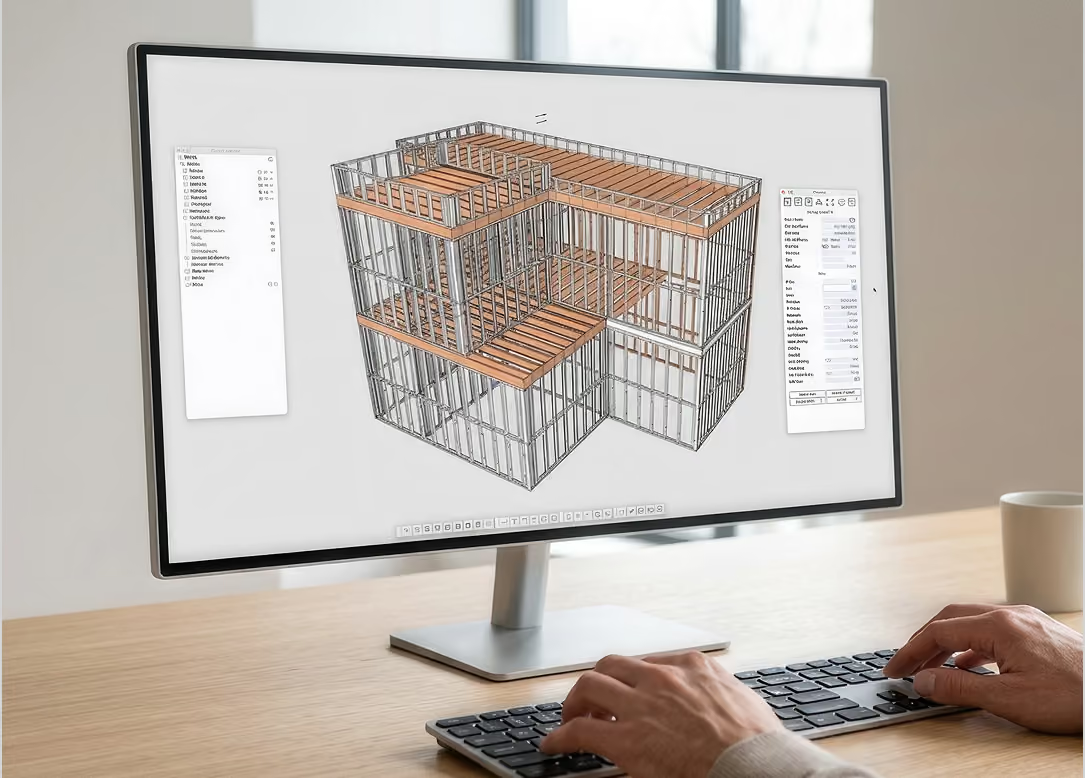
From a SketchUp model to a fabrication-ready structure

A single project can become assembly drawings, bills of materials, cut lists, and NC files while keeping all information connected.
70%
less time
3x
more productivity

Start in SketchUp. Access each deliverable where it belongs.

The Plugin brings modelling and drawings together. The Platform provides the production files that turn the project into work for the shop floor.
01
02
03
04

SketchUp

Open your project

Plugin

Activate Sketchframer

Model

Develop the structure

Get your deliverables

Drawings
In the Plugin
Cutlist
In the Platform
NC File
In the Platform

Frequently asked questions about the Plugin

Install the Plugin

Download, install, and sign in within minutes.
Video tutorial: installing the Sketchframer plugin

Do I need a subscription?

No. Modelling and generating drawings are free; you only pay when you download cut lists or NC files from the Platform.

Which SketchUp versions are supported?

SketchUp 2021 and later versions.

Can I fabricate manually?

Yes. Drawings are generated in the Plugin, while cut lists are downloaded from the Platform.

Does it generate files for CNC machines?

Yes. NC files are generated and downloaded from the Platform for compatible equipment.